by Johnson Yip
on February 2, 2010
in
Computer,
Computer Tutorials,
Hardware Tutorials,
Internal PC Parts,
Local PC security,
Peripherals & Accessories,
Security,
Software,
software tutorial,
System Utilities,
Tech Tutorials
 You want to sell, donate or give away a computer, but you don’t want anyone to read or recover your sensitive information, or look at your private photos  😉 *wink, Wink*. They can easily use free data recovery software from the internet even if you formatted your hard drive with Windows. However, you do not want to buy a new drive for them since it is not cost and time effective. Another reason to wipe a drive is to delete a virus or malware that infected the Master Boot Record of your computer’s hard drive which can be difficult to delete with a normal anti-virus. However, if you wipe your drive, you will also wipe all malware, viruses, and all your files, so you would be safe from Viruses still being in your MBR. Your drive would be empty like the day you bought it from the store after DBANing it. DBAN also allows you to use Guttman 35 wipe pass if you are paranoid, and think 1-10 pass wipe is not enough. Even if you format your drive with Fdisk, you should still DBAN your hard drive since DBAN does a better job at destroying your data for good!
Darik’s Boot And Nuke (DBAN) is a bootable disk which will securely wipe all of the contents off your hard drive automatically. It is good for bulk and emergency data destruction. It comes bundled with Ultimate Boot CD or you can download it at http://www.dban.org/
DBAN works for most computers which can start from a floppy, CD-ROM, or flash drive which is a large percentage of computers.
All you have to do is burn the ISO file which is found in the Zip folder you downloaded from Dban.org . Learn how to burn an ISO at Making an ISO file from an Operating System CD with ImgBurn
Easily Wipe all your sensitive data off your hard drive in two easy steps with DBAN
Tagged as:
boot disk,
computer security,
Darik’s Boot And Nuke,
data destruction,
dban,
disk wiping,
hard drive security,
livecd
by Johnson Yip
on February 2, 2010
in
Computer,
Hardware Tutorials,
Internal PC Parts,
Microsoft Windows,
Networking,
Operating Systems,
Peripherals & Accessories,
Software,
software tutorial,
System Utilities,
Tech Tutorials,
Virtualization

I recently can’t access the internet with Virtual Box, so I checked Windows Device Manager in Windows 7. I saw a yellow exclamation mark for Virtualbox Host-Only Ethernet Adapter. Apparently, the device driver was corrupted or missing. I tried removing it by right clicking Virtualbox Host-Only Ethernet Adapter and picking uninstall, but Windows won’t let me. I can only disable it. But, disabling Virtualbox Host-Only Ethernet Adapter won’t do me any good since I still can’t go online if Virtual box network adapter is disable. I notice I also had a similar problem with VMware player, but I can just do a repair install of VMware player to fix its networking problem. I think when I did a repair install of Windows 7. Windows 7 could not find the driver software for my virtual machine players.
Learn How I Fix Virtualbox Host-Only Ethernet Adapter error in Device Manager for Windows in 4 steps
Tagged as:
Fix Virtualbox Host-Only Ethernet Adapter,
sun,
sun microsystems,
Virtual Box,
virtualization,
windows device manager
by Johnson Yip
on January 30, 2010
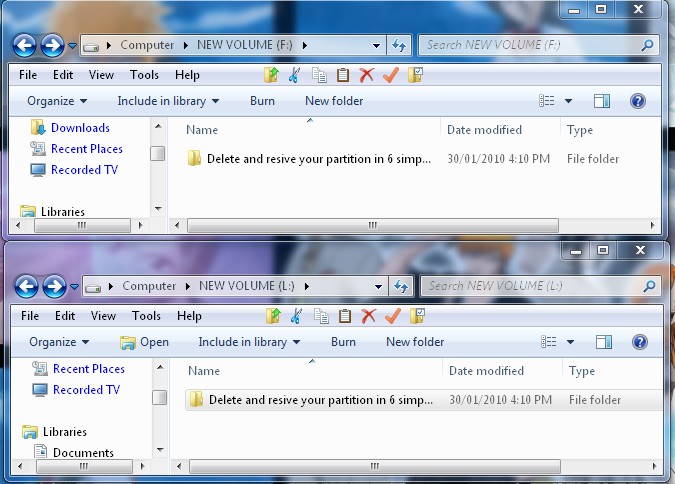
Do you need to make an exact copy of a hard drive partition, but you do not want to spend a lot on software to do it? One good reason for making a exact copy of a hard drive partition is it is simpler then using copy and paste for multiple folders when you can just copy the entire partition in 8 steps instead of double checking if you copied the folders or not with copy and paste.
Paragon Partition Manager 2010 Free Edition has a very useful settings for users who need to quickly copy an entire drive partition in as few steps as possible within Windows. You can even use Paragon Partition Manager 2010 Free Edition to assign a drive letter in 3 steps. It is a lot easier then using Windows Disk Management since you have to have unallocated space, and manually copy and paste the files in from another partition, but with Paragon Partition Manager 2010 Free Edition it is more automated. You just have to use the built-in wizard.
Quickly make a copy of a hard disk partition in 8 staps with Paragon Partition Manager 2010 Free Edition
Tagged as:
cloning partition,
copying partition,
data back up,
disk cloning,
Paragon Partition Manager 2010 Free Edition