by Johnson Yip
on July 10, 2009
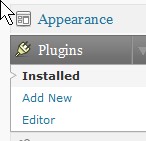
Plugins in WordPress makes managing and maintaining your blog easier. There are plugins to stop spam posts, backing up your database, social bookmarking, etc. It is very simple to install plugins for your blog. All you have to do is download the plugin, unzip it, upload it to your blogs plugins directory, and login to your blog to enable the newly uploaded plugin.
Read how to install a WordPress plugin onto your blog.
Tagged as:
Blog,
blogging,
extensions,
plugin,
wordpress
by Johnson Yip
on July 9, 2009
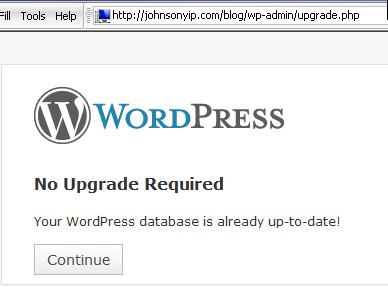
Learn how to manually update WordPress blog software to the latest version with a FTP client program like Filezilla, and a web browser like Internet explorer.
Continue reading to learn how to manually update your WordPress blog to the latest version
Tagged as:
wordpress,
wordpress 2.8,
wordpress 2.8.1
by Johnson Yip
on July 9, 2009
Learn how to install a new template/theme in Drupal 6.x Content Management System with hust a FTP client and web browser.
Learn how to install and change your Drupal 6.x CMS template with just a FTP program and web browser
Tagged as:
cms,
content management system,
Drupal,
Drupal 6.x,
install,
template,
themes