by Johnson Yip
on January 11, 2010
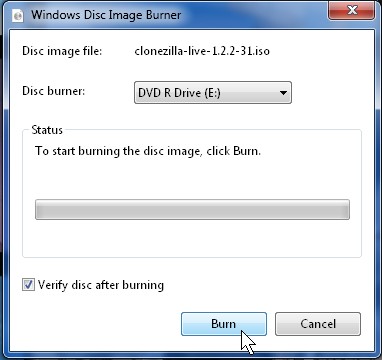
Windows 7 now has a very useful program called “Windows Disk Image Burner” which allows you to burn ISO images you download from the Internet from sites like Ubuntu.com , bit torrent sites, and other sites which has ISO downloads. ISO are virtual copies of a software you burn to a CD-R, or DVD-R to use on your computer for installing a Operating System, or other type of software. Microsoft made it very simple for users to burn ISO images to disks.
The best part of “Windows Disk Image Burner” is it’s built-in to Windows, and it is simple to use.
Learn how to burn a CD from Windows 7’s Disk Image Burner
Tagged as:
burning,
cd image,
image,
iso,
windows 7,
Windows disk image burner
by Johnson Yip
on January 11, 2010
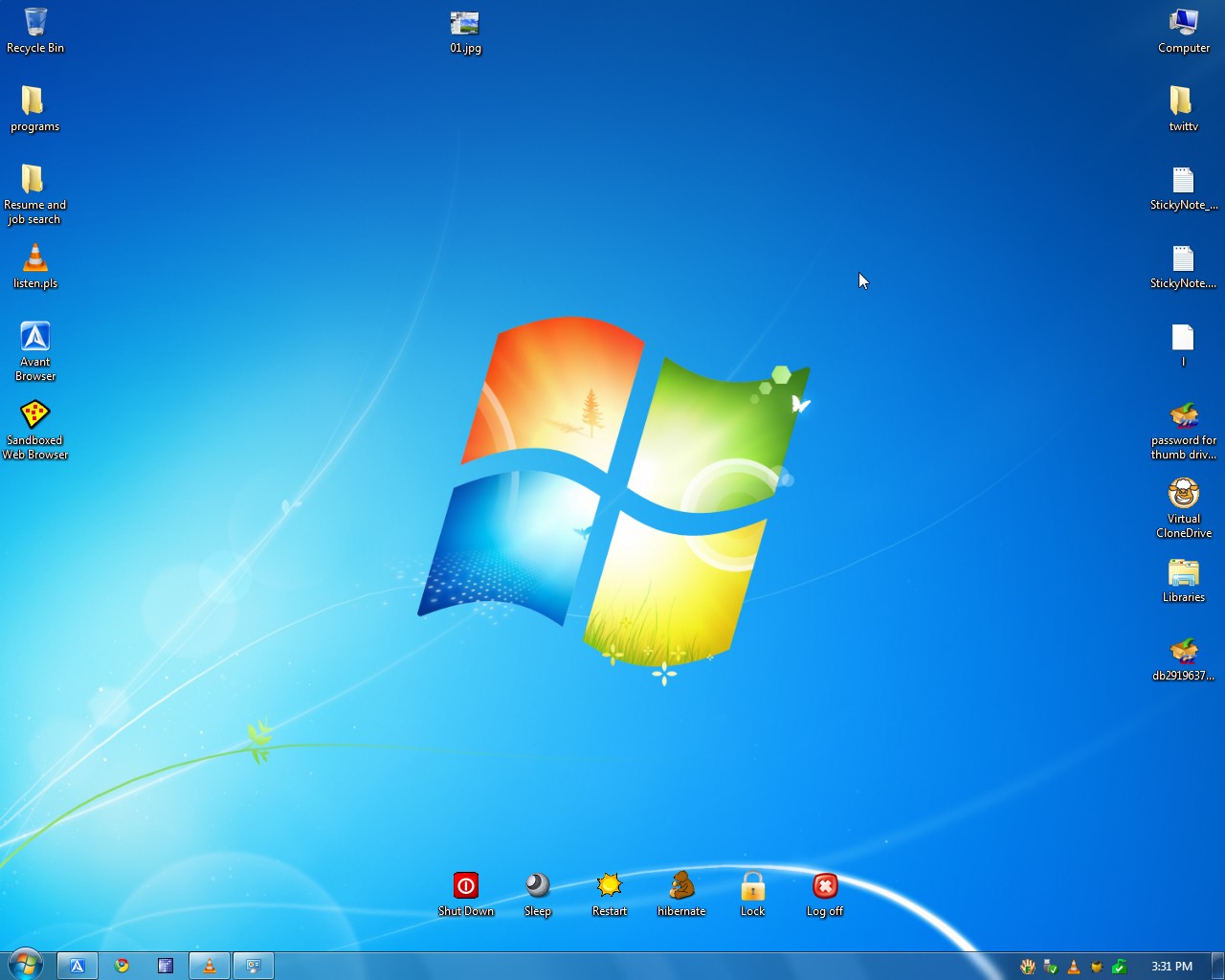
I been using Microsoft Windows 7 Home Premium for about a month. It has been a great experience so far. It is a great improvement from Windows Vista which was slow on slower PCs, and crashes a lot on my PC. Windows 7 is a fast, light weight, and easy to use OS.
Top seven reasons to switch to Windows 7
1. Windows 7 starts up very fast. It only takes me 45 seconds to start up my PC which only has a 1.8GHz CPU, 1GB of RAM, 320 GB hard drive. Resuming from Hibernation only takes around 25 seconds. Waking up from sleep mode only takes about 10 seconds.
2. Programs start up faster. It only takes a 2-5 seconds to launch a program like Internet Explorer 8.
3.All my programs which I regularly used in Windows Vista like Google Chrome, Avant Browser, Firefox, Gimp, MS  Office 2007, SuperAntispyware, VLC, CCleaner, etc works in Windows 7.
4. There are fewer crashes compared to Windows Vista. I barely have any crashes since switching to Windows 7.
5. It is easy to use. If you used Windows XP then making the switch to 7 would be simple since there ate no major changes to the graphical interface.
6. Windows 7 works well at multitasking on low end computers with just a 2GHz CPU and 1GB of RAM. This means you can have Windows Live Messenger, Internet Explorer, Windows Media player, and MS Word 2007 open without noticing much slowdown.
7. DirectX11 Gaming on Windows 7. If you have a computer with a Mid-High-end DirectX11 video card then your games will look more realistic and richer then a game running in DirectX9 or 10.
See my honourable mentions for 7
Tagged as:
7,
microsoft,
ms,
operating system,
OS,
review,
Win7,
windows 7
by Johnson Yip
on December 12, 2009
in
Computer,
Computer Certifications,
Computer Tutorials,
Hardware Tutorials,
Internal PC Parts,
Linux,
Microsoft Windows,
Networking,
Online Internet Security,
Operating Systems,
Security,
software tutorial,
System Utilities,
Tech Tutorials,
Ubuntu,
Web Browsers
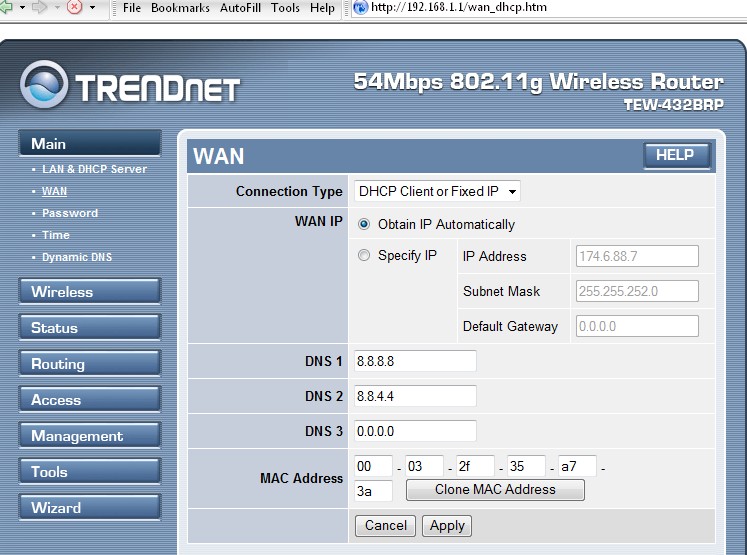
DNS settings for Trendnet routor
I notice a slight internet speed increase and fewer page not found errors when I use Google Public DNS and Open DNS instead of my ISP DNS server. I recommend changing the DNS adress for your routor, so all computers on your network use the same DNS address. If you use a laptop, then you should also change your laptop DNS address to Google’s Public DNS, Open DNS, or someother DNS service.
Google, Open DNS, and Comodo also claim that their DNS servers will protect your computer from online threats by blocking attacks.
I’m currently using Google DNS. I am very satisfied with my experience so far.
See a short list of free 3rd party DNS servers you can use on your PC or network
Tagged as:
dns,
domain name server,
google public dns,
Networking,
opendns,
speed up internet