by Johnson Yip
on September 18, 2009
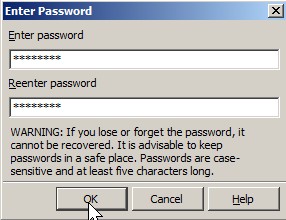
Learn how to create a  password to protect files created with Open Office Writer, Calc, Impress and other Open Office programs to protect your privacy by only letting people with the correct password access and modify your files.
Â
Click the link below to learn how to add a password to your Open Office files.
Tagged as:
document,
encryption,
OO,
open office 3,
password protect,
sun
by Johnson Yip
on September 18, 2009
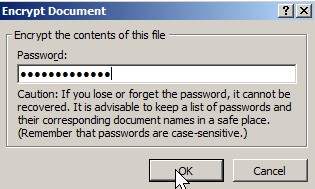
Learn how to set a password protect to your word, excel, access, PowerPoint, and other MS Office 2007 files to prevent unwanted users from seeing your data.
Learn how to set a password on your Microsoft Office 2007 files by clicking the link below.
[continue reading…]
Tagged as:
document,
encryption,
microsoft office 2007,
password,
protection,
Security
by Johnson Yip
on September 18, 2009
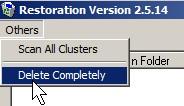
Learn how to wipe free space from your hard drive to prevent people from recovering your deleted files, and stealing your files.
Learn how overwrite free space with “File restoration” by clicking the link below.
[continue reading…]
Tagged as:
delete,
overwrite file,
privacy,
secure delete,
secure wipe,
Security